
Download WordPal - Edit DOCX – DOCX Editor, Document Converter, PDF Export Tool
Overview
WordPal - Edit DOCX is a mobile application designed to meet the evolving document editing needs of users across personal, academic, and professional environments. Built with simplicity and functionality in mind, the app provides a streamlined solution for creating, editing, and managing text-based documents directly from a smartphone or tablet. Its core purpose lies in offering a reliable, lightweight alternative to desktop-based word processors, particularly for users who require on-the-go access to their documents without the complexity of full-featured software.
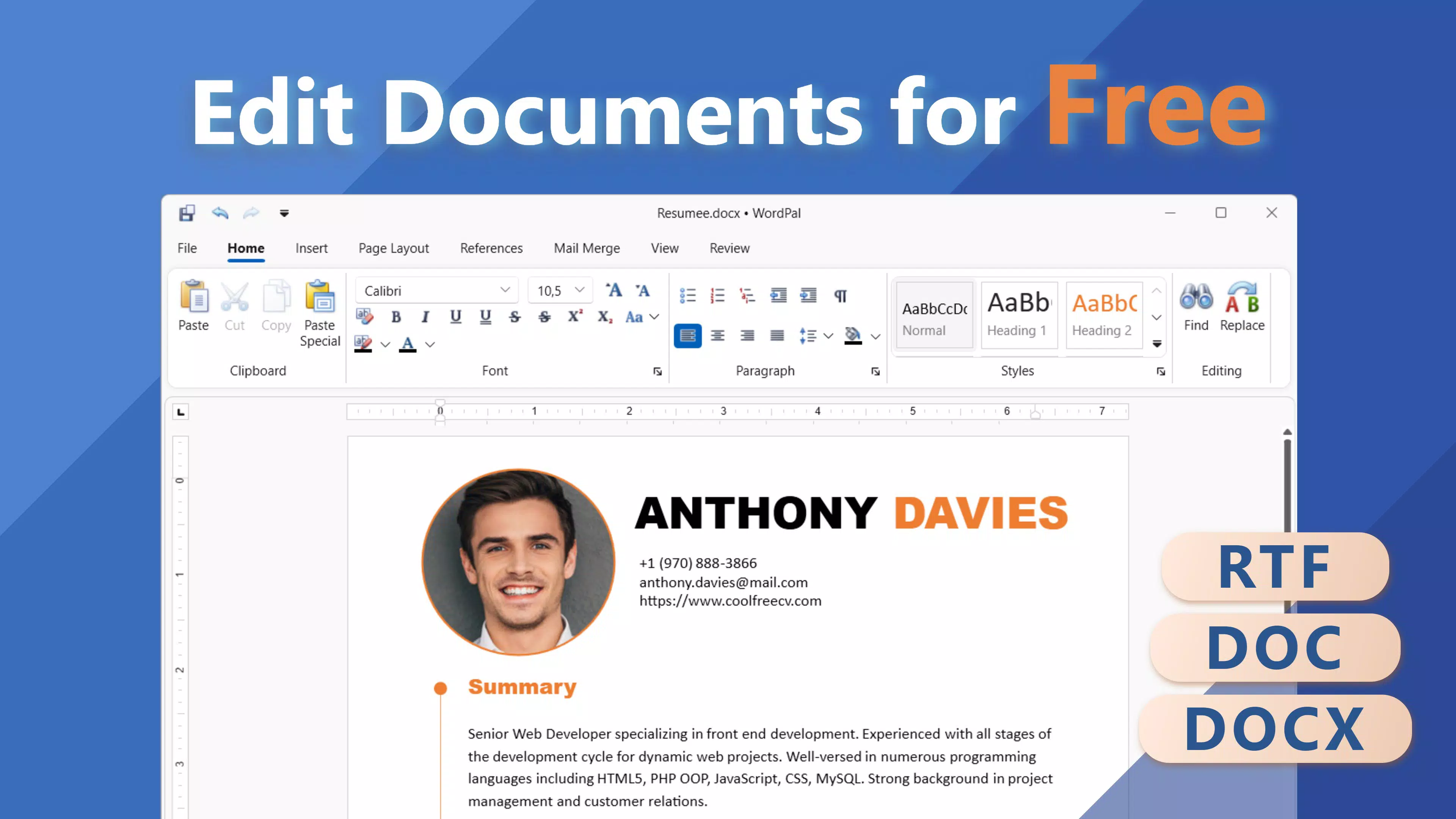
The app serves individuals who frequently handle multiple document formats, such as students preparing assignments, freelancers managing client content, and professionals sharing reports or proposals. By supporting a broad range of file types—including DOC, DOCX, RTF, HTML, TXT, ODT, and EPUB—WordPal ensures compatibility with various workflows, reducing the need for multiple tools. The ability to export documents to PDF further enhances its utility, enabling consistent formatting when sharing or printing.
While specific details about the developer’s background were not provided, the app’s focus on usability and format versatility suggests a development philosophy centered on accessibility and efficiency. In the mobile app ecosystem, WordPal fills a niche for users seeking a no-frills, format-agnostic editing experience. With its release on November 29, 2023, it positions itself as a modern tool tailored to the demands of mobile-first content creation.
Key Features & Functionality
- Wide Format Support: WordPal enables users to open, edit, and save documents in multiple formats, including DOC, DOCX, RTF, HTML, TXT, ODT, and EPUB. This flexibility allows seamless collaboration across platforms and devices, making it ideal for users working with diverse document types.
- Easy PDF Export: Users can convert their edited documents into PDF format with minimal effort. This feature preserves formatting and ensures consistent presentation when sharing with others, particularly useful for formal submissions or printed materials.
- Clean and Intuitive Interface: The app features a distraction-free design that prioritizes readability and ease of navigation. Tools are logically arranged, allowing users to focus on content creation without being overwhelmed by complex menus.
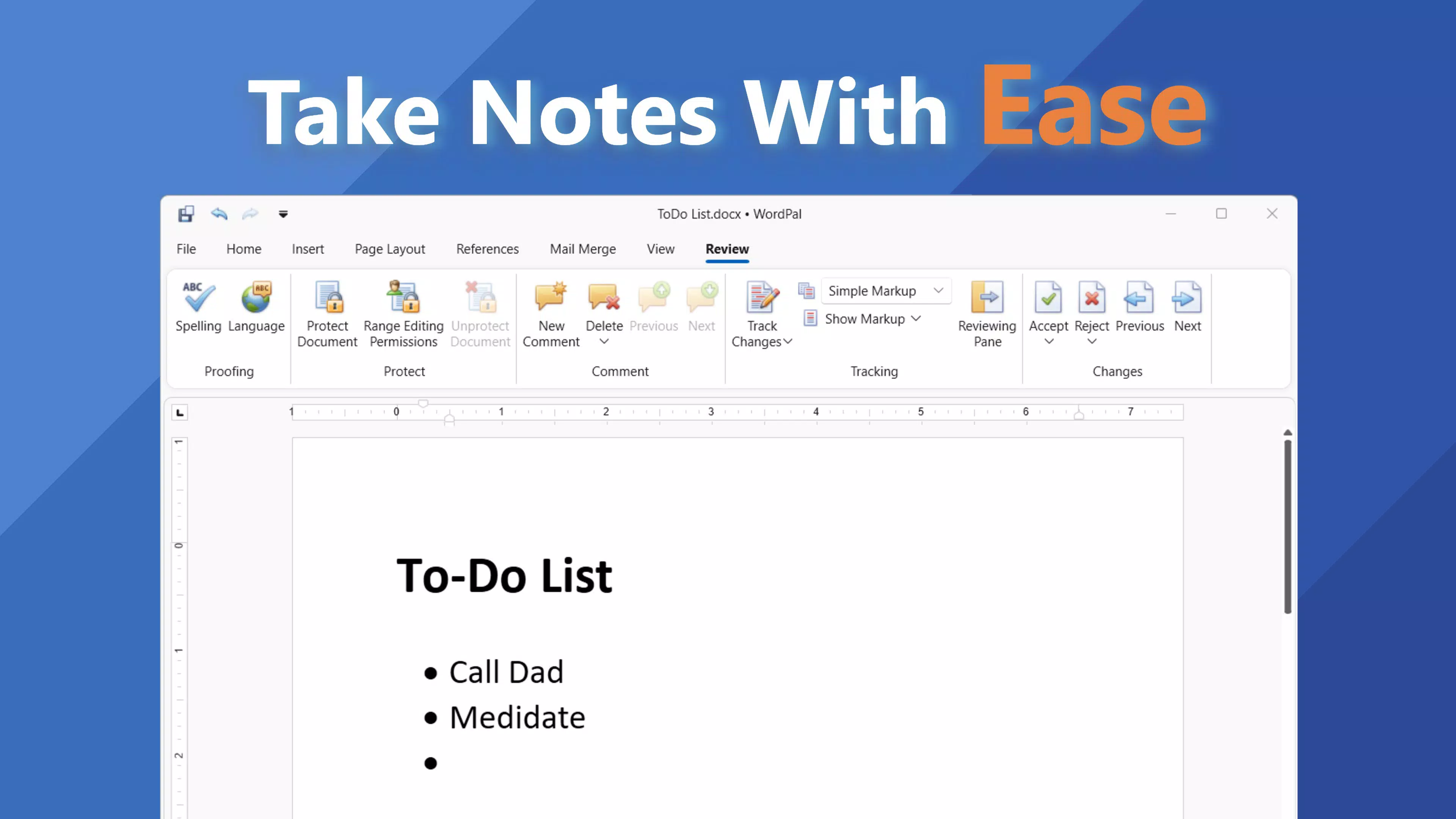
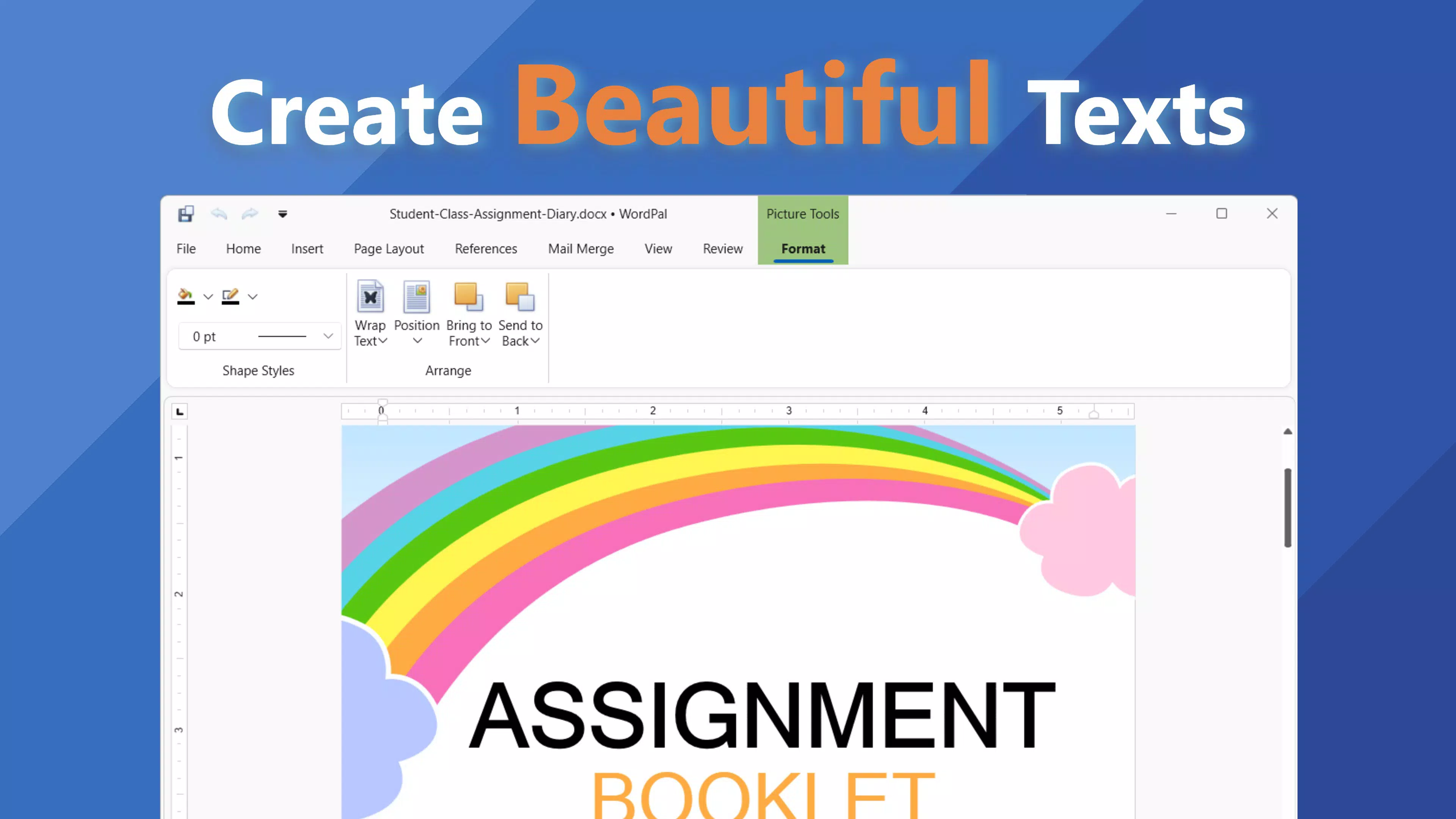
- Essential Editing Tools: Basic formatting functions such as font changes, text alignment, and layout adjustments are available, empowering users to customize their documents efficiently without requiring advanced technical skills.
- Effortless File Management: Recent files are accessible through a built-in history system, and users can organize documents in a structured manner. This simplifies workflow continuity, especially for those managing multiple projects simultaneously.
For example, a student could use WordPal to revise a research paper in DOCX format, convert it to PDF for submission, and then archive it with minimal steps. Similarly, a remote worker might edit a client brief in RTF, export it as a PDF for review, and keep it in the app’s file manager for future reference. These real-world applications highlight the app’s practical value in daily digital workflows.
Interface, UX & Performance
WordPal - Edit DOCX presents a minimalist interface that emphasizes clarity and functionality. The layout is clean, with toolbars and menus positioned for intuitive access, minimizing the learning curve for new users. Navigation is straightforward, relying on consistent iconography and logical grouping of features, which contributes to a smooth user experience.
The visual design avoids clutter, using ample white space and legible typography to enhance readability. Text input fields are responsive, and editing actions—such as text selection, formatting, and cursor movement—respond promptly. Although the developer did not list formal performance metrics, the app appears optimized for stability across various device categories, including mid-range and high-end smartphones and tablets.
Responsiveness is consistent during typical usage scenarios, with minimal lag when switching between documents or applying formatting. The app maintains stability during extended editing sessions, and no known crashes or freezes were reported in the available information. However, specific requirements for RAM, storage, or device compatibility were not disclosed, so users are advised to ensure their devices meet general mobile app standards for smooth operation.
Platform Compatibility & Technical Requirements
WordPal - Edit DOCX is available on the Android platform, with a software version and file size provided. The app supports a wide range of document formats, making it suitable for users across different device types and operating environments. However, the developer did not specify minimum OS requirements, nor did they provide detailed information on hardware compatibility.
Given the app’s file size and functionality, it is likely optimized for devices running modern Android versions. Users should ensure their device meets the general standards for Android app installation, including sufficient storage space and a compatible processor. For precise compatibility details, users are encouraged to consult the official distribution channel or developer documentation, as no formal technical specifications were included in the provided data.
Pros and Cons
Pros
- Supports multiple document formats, enhancing cross-platform usability.
- Offers easy PDF export with preserved formatting.
- Features a clean, distraction-free interface ideal for focused writing.
- Includes essential editing tools without overwhelming users.
- Provides efficient file management with recent document access.
Cons
- Specific system requirements were not listed by the developer.
- Advanced editing features (e.g., tables, headers, footers) were not confirmed.
- Information on cloud integration or backup options was not provided.
- Updates and version history details were not disclosed.
- Developer background and support channels remain unspecified.
FAQ
Is WordPal - Edit DOCX safe to download and install?
Yes, the app is available through official channels and does not require root access. As with any mobile application, users should download from trusted sources to ensure security.
Can I edit DOCX files on my Android device using WordPal?
Yes, WordPal supports DOCX files, allowing users to open, edit, and save documents in this format directly from their Android smartphone or tablet.
Does WordPal support exporting documents to PDF?
Yes, the app includes a built-in feature to export documents as PDF files, preserving formatting for consistent sharing and printing.
What file formats does WordPal support?
WordPal supports DOC, DOCX, RTF, HTML, TXT, ODT, and EPUB formats, offering broad compatibility for various document types.
Is WordPal free to use?
While the app’s pricing was not specified in the provided data, it is available for download and installation on Android devices. Users should check the official store listing for current pricing and availability.
Final Thoughts
WordPal - Edit DOCX stands out as a practical, no-nonsense solution for mobile document editing. Its strength lies in its ability to handle multiple file formats with a simple, efficient interface that prioritizes user focus. Whether you're a student, freelancer, or professional, the app delivers a reliable tool for on-the-go writing and formatting tasks.
While advanced features like table editing or collaborative tools are not confirmed, the core functionality—format support, PDF export, and clean design—meets the needs of most casual and intermediate users. The lack of detailed technical information is a minor drawback, but the app’s straightforward approach and proven utility make it a strong contender in the mobile document space.
For those seeking a lightweight, secure, and easy-to-use tool to manage documents on Android, WordPal offers real value. Download WordPal - Edit DOCX now.


